

Best AI Tools for Designers and Creatives in 2026
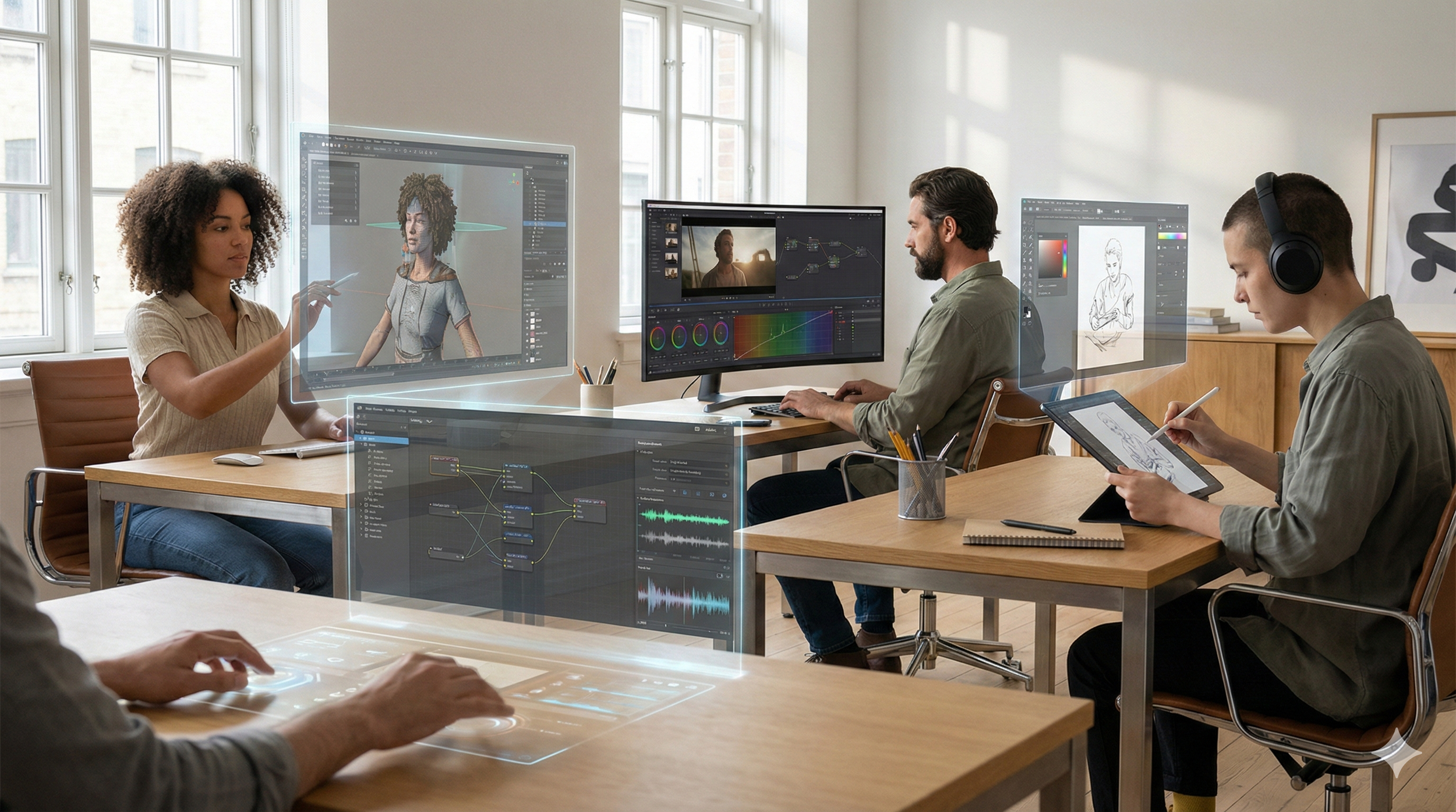
By 2026, generative AI isn’t a buzzword — it’s a core part of creative workflows across industries: branding, UI/UX, video production, motion graphics, animation, and audio/voice design. The latest tools help you go from concept → prototype → final deliverables faster and with better consistency than ever before.
Some platforms are now “enterprise-safe,” offering commercial usage rights and IP-controlled models for studios and brands — a major shift in how creative agencies adopt AI.
In this guide, we’ll cover the best AI tools designers and creatives should know in 2026, grouped by output domain, with both paid and free options.
1) Image Generation & Editing — From Inspiration to Final Visuals
These tools help create visuals from text, refine photos, generate concept art, and produce brand assets.
Top Picks
Adobe Firefly - Text → Images / Vector / Visual assets - Paid (some features free) - For Brand-safe commercial visuals, vector assets, editing
Midjourney (v7+) - High-quality visual art - Paid (free trial) - For Concept art, stylized imagery
Leonardo AI - Concept visuals & product art - Freemium - For Designers, illustrators
Canva AI Suite - Easy image creation + templates - Freemium - For Marketing teams, quick graphics
Ideogram - Image generation - Free tier - For Creative experiments
Why this matters:AI image generators now output print-ready and brand-consistent assets, not just rough ideas. Firefly also integrates vector outputs useful in Illustrator and branding workflows.
2) Video Generation & Editing — From Text to Dynamic Visual Stories
AI is now generating video clips from prompts, assisting editing, and helping animate scenes.
Best Tools (AI Video)
Runway - Text → Video + editing - Freemium - Text-video, image-to-video, real-time effects
Kling AI / Seedance / WAN - AI video models - Paid - For Advanced generative videos
OpenAI Sora 2 - Video generator - Paid - For High-quality prompt-driven videos
Pika 2.5 - Generative video - Paid - For Flexible style rendering
Higgsfield - Video + VFX presets - Paid - For Cinematic video outputs
Notes:
Some tools like Runway combine editing + generation, reducing the need for separate NLEs.
Adobe’s AI video features (within Firefly and Creative Cloud) are evolving fast with multi-track editing and upscaling.
3) Motion Graphics & Animation — Make Things Move
AI now assists motion designers with key animation steps, crowd generation, and effects.
Tools Worth Knowing
Adobe After Effects – Maintains leadership with vector anim improvements and 3D shapes for motion designers.
DeepMotion – AI-powered mocap and movement generation - assisting rapid animation workflows.
Animaker – Easy animation generation and explainer videos.
AnimateDiff / AI motion modules – Frameworks for turning static visuals into motion.
Runway (Motion VFX subtools) – Motion effects inside video workflows.
Animation-focused output: these tools help with 2D rigging, automatic mocap, crowd simulations, and expressive motion loops — not just simple text videos.
Voice & Audio Generation — Speak Creatively
AI is now natural enough to replace voice actors for many use cases (ads, e-learning, narration).
Best Voice & Audio AI Tools
ElevenLabs - Realistic AI voice - Freemium
Murf - Voiceovers with emphasis control - Paid
Synthesia - AI avatars + voice - Paid
Why it matters:
Human-like voice generation saves time and budget on narration, podcasts, and training videos — with multi-language support and emotional realism.
How to Pick the Right AI Tools in 2026
Choose based on output, not hype
Two words: Editability & consistency
If you can’t refine, iterate, and version assets, it’s just “pretty pictures.”
Match with your pipeline
Brand-heavy work → commercial-safe models like Adobe Firefly or licensed SaaS stacks.
UI/UX teams → tools embedded inside collaboration platforms like Figma.
Video teams → tools that support multi-track editing + AI generation inside NLEs.
The 2026 Creative Stack Summary
Images: Firefly, Midjourney, Leonardo
Video: Runway, Sora, Pika, Kling
Motion Graphics: After Effects + AI mocap tools
Animation: DeepMotion, AnimateDiff pipelines
Voice: ElevenLabs, Murf, Synthesia
UI/UX: Figma AI, Emergent
Pro tip: Combine multiple tools — e.g., use Runway for base video generation, then refine in After Effects with AI-powered motion effects, and finally add voice via ElevenLabs.
